Hopkins SystemsCRM and booking
For service businesses

Run your whole business from one place.

Bookings, crews, customers, payments and team pay, without the juggling. Start on your own in minutes, or have Hopkins Systems set it up with you.

  • 14 days free, no card
  • From $39 a month, no contract
  • One flat price for your whole team

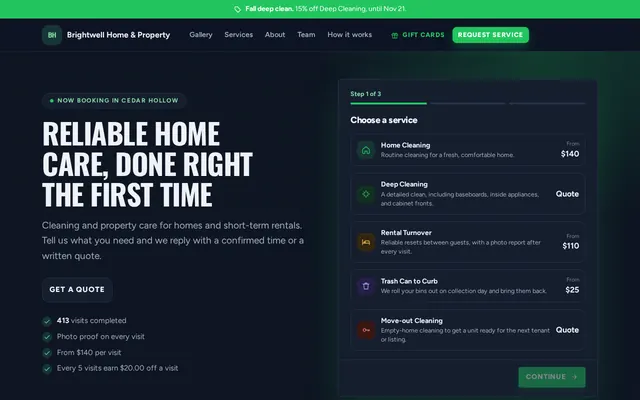
Example business with sample data

Built for companies that work at their customer's property

House cleaning

Weekly and every-2-weeks cleans, room-by-room checklists and photo proof on every visit.

Airbnb and VRBO turnovers

Turnovers between guests, access codes kept private until the visit, and photos of every room for the host.

Lawn and pool care

Weekly routes, seasonal cleanups, snow removal in winter, and a photo of every finished yard or pool.

Pressure washing and exterior

House washes, driveways, decks, windows and gutters, with before and after photos on every job.

See it work

From first booking to final payment.

Watch one visit go from a customer's request to your schedule, your crew's phone, a visit report with photos, and a paid invoice. It takes 48 seconds.

Example business with sample data. No sound needed.

Two ways to start

Set it up yourself, or with us.

Either way you get 14 days free, and your plan only starts after that. Pick what fits how you like to work.

On your own

Start free in a few minutes

Pick your industry and you get a workspace with services, prices, checklists and a booking page already filled in. A setup checklist walks you through the rest.

  • No setup fee and no card to start
  • 14 days free from the day you sign up
  • Help from a real person whenever you ask
Start free
With Hopkins Systems

We build it with you on a call

By phone, video or in person, we go through your services, prices, how you get paid and who is on your team, then build your workspace, import your customers and invite your team.

  • A one-time setup fee, paid when you book the call
  • 14 days free from your setup day
  • Add a live training session for your team
Book a setup call
Features

Everything a service business runs on, in one place.

Start with the core: your booking page, your schedule, getting paid and your customers. Then switch on only the tools that fit how you work. Every business runs differently, so nothing is forced on you, and your menus only show what you use.

Win the work

Your own booking page, and one inbox for every request

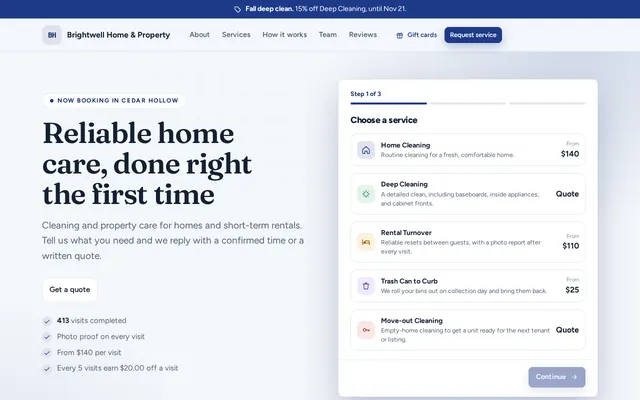
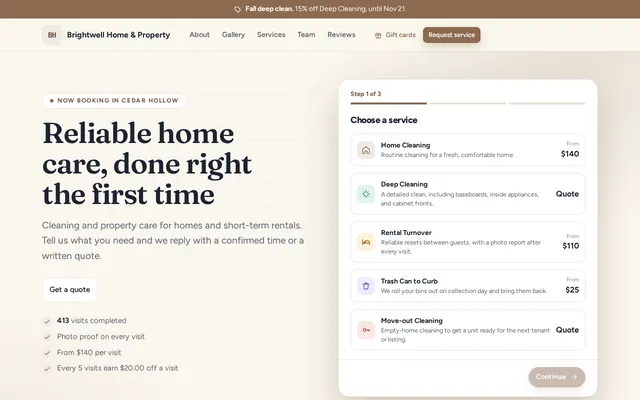
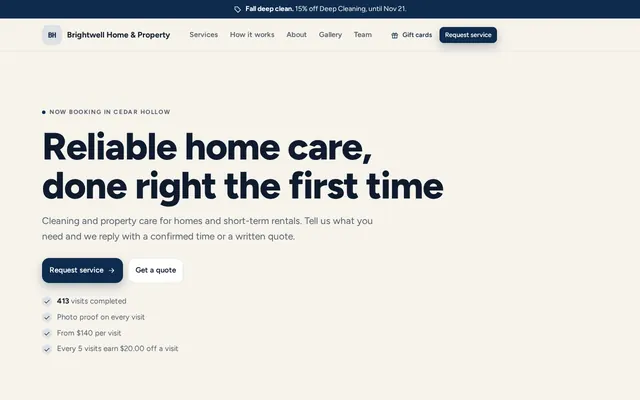
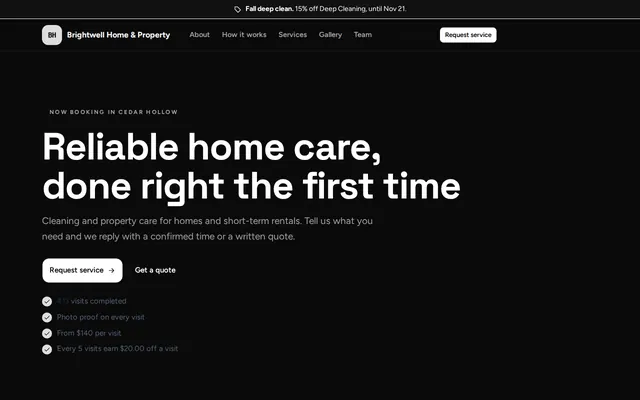
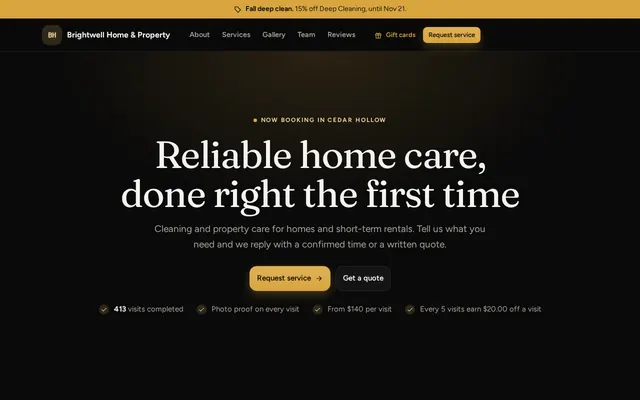
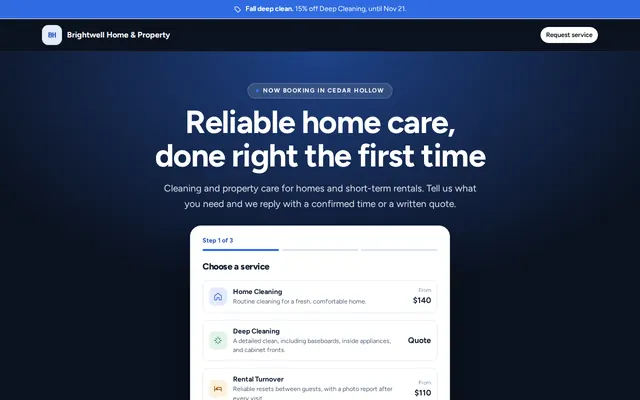
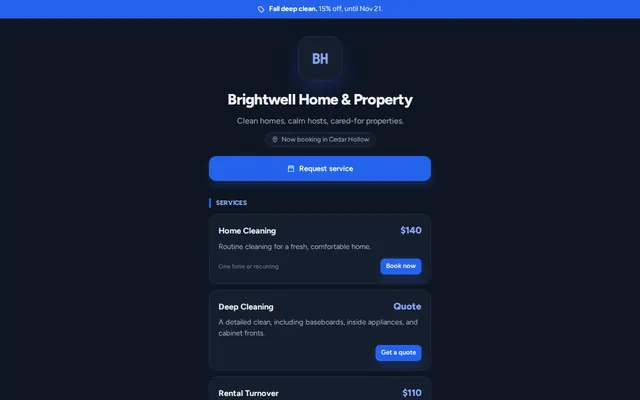
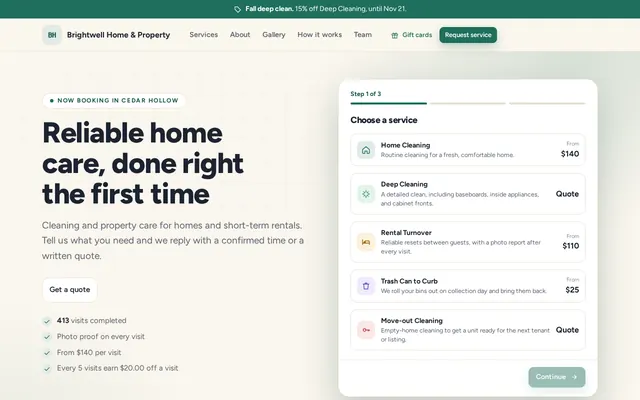
A full page with your logo, photos, reviews and services, in one of nine looks, from calm editorial navy to Spotlight, a big photo with the request form up top for visitors from ads and social posts. Customers send a request or book an open time. You schedule it, or send a written quote they approve online.

  • Filled in from your website or Instagram, then checked by you
  • Free walkthroughs and quotes they approve with one click
  • See visits to your page and the percent who reached out
Run the day

Your team knows where to go and what to do

Staff open the Field app on their phone: today's jobs, directions, access notes, the checklist and photo proof. You see progress as it happens.

  • Checklists for every service
  • Photo proof before a job can be finished
  • The day on a map, and each route in Google Maps
Get paid

Get paid the ways your customers already pay

Take cards through Stripe, or Venmo, Cash App and Zelle. Invoices only show the ways you turn on, and every payment lands in one income record.

  • Invoices and reminders by email
  • Confirm app payments with one tap
  • Income records ready for tax time
Keep customers

Every customer, every visit, the whole history

One record per customer with their visits, photos, invoices, notes and files. See who is due, who owes you, and who has not booked in a while.

  • Import a list, tag, merge and archive
  • Real reviews you choose to show on your page
  • Gate codes and access notes kept private
Optional tools

Switch on what you use. Leave the rest off.

All included in your plan. Turn on the ones you use in Settings, or we turn them on with you on your setup call. Change them anytime.

  • Instant bookingCustomers pick a real open time from each person's hours.
  • Recurring plansWeekly, every 2 weeks or monthly, with skip and pause.
  • Deposits and packagesHold a time with a deposit, or sell a set of visits.
  • Time clockClock in and out from the Field app, approved by the week.
  • Team payHourly, per job, percent, day rate or salary, worked out for you.
  • Expenses and mileageReceipt photos, approvals, miles at your rate, profit next to income.
  • Fill slow daysOffer an opening to customers who want an earlier time.
  • Offers, loyalty and referralsSeasonal specials and rewards for repeat customers.
  • Email marketingReview asks, win-back emails and campaigns, only if you turn them on.
  • Gift cardsSold on your booking page, used on any bill.
  • QuickBooks and webhooksSend payments to QuickBooks Online, or events to your other tools.
  • Ad trackingAdd your Meta Pixel to see which ads bring requests.
Also on every plan
  • Notifications by bell and email, picked by each person
  • Calendar sync with Google, Outlook or Apple
  • Roles, so owners, managers and crews each see what fits
  • Reminders to customers the day before each visit
  • Clear a day for sickness or storms, with every customer told why
  • Your policies, agreed before customers book
  • A Questions box on your page that answers from your FAQ
  • A Book now button for the website you already have
  • Works on any phone, tablet or computer, even with spotty signal
  • Guides in the app, and a direct line to a person
  • Your data stays yours, and you can download it anytime
Pricing

Every feature on every plan.

A one-time setup fee covers building your workspace with you. Pay yearly and get two months free, and the setup fee is waived on every plan except Premier. Then one price for your whole team.

Loading plans

Every plan starts with 14 days free. No card needed until you decide to keep going.

Prices in US dollars. Monthly plans renew each month and can be canceled anytime. Yearly plans renew each year and can be canceled for a full refund within the first 30 days. Setup fees are only for setup done with us, and are refunded if you cancel before your setup call. When a free trial ends, you have 3 days to start your plan before your workspace is paused; nothing is deleted. Details are in our refund and cancellation policy.

Your plan is billed securely through Stripe; Hopkins Systems never sees or stores your card number. Card payments from your customers go through your own Stripe account, and Stripe charges its standard processing fees.

Compare

Priced for the team, not per person.

Many tools start cheap for one person and climb with every added user. Here is how monthly prices compare before add-ons.

Swipe the table to see every column

Plan detailHopkins SystemsJobberHousecall ProHighLevel
Starts atLoading$49$79$97
People on the starting planLoading11Unlimited
Team of 5LoadingAbout $165$189$97 plus texts, email and calls by usage
Team of 20LoadingAbout $600About $749$97 plus usage
Every feature on the starting planYesNoNoMost
Compare the starting plans feature by feature
FeatureHopkins SystemsSolo, $39JobberCore, $49Housecall ProBasic, $79HighLevelStarter, $97
Setup done with youOptional, on a setup callDedicated onboarding on Plus, $499Onboarding specialist on MAX, $329Not listed on Starter
Booking page and online requestsYesYesYesBooking calendars
Quotes, invoices and card paymentsYesYesYesYes
Venmo, Cash App and Zelle on invoicesYesNot listedNot listedNot listed
Job checklists and photo proofYesChecklists from Connect, $139From Essentials, $189No field app
Time clock and timesheetsYesFrom Connect, $139Not listed on BasicNo field app
Expenses and receiptsYesFrom Connect, $139Not listed on BasicNot listed

What each company lists for its starting plan on its public pricing page, September 2026, for 1 user and monthly billing. Not listed means we could not find it on that plan; it may be on a higher plan or an add-on.

Competitor prices are monthly billing from their public pricing pages as of September 2026, before add-ons and taxes, and can change. Jobber Core is $49 for 1 user plus $29 for each added user. Housecall Pro is $79 for 1 user, $189 for up to 5, and $329 for 8 plus $35 for each added user; its yearly prices are lower. Sources: Jobber, Housecall Pro, HighLevel.

Switching is easy

Bring what you already have

  • Upload the customer export from Jobber, Housecall Pro, Square, Google Contacts, QuickBooks or a spreadsheet
  • Phone-only customers come along too, and duplicates are caught
  • Your booking page filled in from your current website or Instagram
  • We move your services and prices on your setup call, and invite your team at once
  • Download your data anytime, so you are never stuck
Your data is safe

Private by design

  • Each business only sees its own data
  • Card payments run through Stripe, and card numbers are never stored by us
  • Receipts and job photos are stored privately
  • Each person has their own sign-in and only sees what fits their role
From the founder

I started Hopkins Systems because I run a home service business myself, and I was tired of juggling texts, spreadsheets and payment apps to keep it going. I wanted one place for bookings, my team, payments and what we spend, set up the way my business actually works. That is what we build for you, with you.

Simone HopkinsFounder, Hopkins Systems
FAQ

Questions? We have answers.

Anything else, use Questions? Message us at the bottom of the page, or ask on your setup call.

Is there a free trial?

Yes, 14 days on every plan. Start on your own and it begins the day you sign up, with no card and no setup fee. Set it up with us and it begins on your setup day. Add a card in Settings when you are ready. If you have not by 3 days after the trial ends, your workspace pauses until you do. Nothing is deleted, and you can download your data any time.

Can you train my team?

Yes. The help guides and a direct line to Hopkins Systems are free on every plan, and setup done with us includes walking you through everything. For your team, add a live 60 minute training session over video for $99, when you book your setup call or any time after. It is included with Premier.

Who sets it up?

You can, in a few minutes, or Hopkins Systems does it with you. On a setup call we go through your services, prices and how you get paid, then build your workspace from a setup made for your industry. You review it, change anything you like, and invite your team.

Do my team and I need a special web address to sign in?

No. Everyone signs in at the same place with their email and password, and Hopkins Systems takes each person to the right business and the right screens for their role.

Can I bring my existing customers?

Yes. Paste a list or upload a CSV from your spreadsheet or old software. Hopkins Systems matches the columns, shows you a preview, and skips duplicates.

How do my customers pay me?

By card through your own Stripe account, or however they pay you today. Venmo, Cash App and Zelle are not connected to Hopkins Systems: your customer pays you in their app as usual, then you confirm it here so it is on the invoice and in your records. Only money you confirm counts as income.

Is it an app, or do we sign in on a website?

Both work. Hopkins Systems runs in the browser on any phone, tablet or computer, so there is nothing to download from an app store. Add it to your home screen and it opens full screen with its own icon, like an app. The Field app keeps working through spotty signal and catches up when the phone is back online.

Can my crew take notes on free estimates?

Yes. On a walkthrough or quote visit, whoever goes writes notes, measurements and materials with costs in the Field app. You see them in Ops on the visit and the request, and can start a quote with the materials already filled in. Customers never see the notes.

I am just starting out. Is this for me?

Yes. Solo is $39 a month with no contract, for you alone or you and one helper. Setup is $49 once, or free if you pay $290 for the year. You get your own booking page, quotes, invoices and payments from the first day, and you can move to a bigger plan when you hire.

We have 30 or more people. Is this for us?

Yes. Premier covers up to 75 people for one monthly price. We move your customers, services and prices in for you, build your page with you, and train your office and crews. It is month to month, with no year-long contract.

More questions
What if my team outgrows my plan?

When your plan is full, Hopkins Systems asks you to upgrade before adding the next person. Upgrading takes one click in Settings, and you only pay the difference for the time left in your billing period.

Is there a contract? How do I cancel?

No contract. Monthly plans can be canceled anytime from Settings through the billing portal. Yearly plans can be canceled for a full refund within the first 30 days, and after that stay active to the end of the paid year. Download your data anytime, it is yours to keep.

Do you take a cut of my payments?

No. Card payments go through your own Stripe account and Stripe charges its standard fees. Venmo, Cash App and Zelle payments go straight to you.

Can my booking page match my brand?

Yes. Choose one of nine looks, then add your logo, colors, a cover photo, a gallery, an about or founder story and your team. You can change it anytime.

How do I pay my team?

Your usual way. Hopkins works out what each person earned for the pay period, whether you pay hourly, per job, a percent of each job, a day rate or a salary, plus tips, bonuses and receipts to pay back. You pay by Venmo, Zelle, cash, check or a payroll service, then mark it paid. Hopkins does not take out taxes, so employees should be paid through a payroll service. Ask your accountant what applies to you.

Can it help fill slow days?

Yes. Hopkins shows the lighter days coming up. You offer an opening to customers who asked for an earlier time or are due for a visit, and the first one to say yes gets it. Nobody is booked without saying yes, and you confirm every one.

Can I track expenses and mileage?

Yes. Log what the business spends, attach receipts, and log miles at your own per-mile rate. Staff can submit receipts from their phone for you to approve and pay back.

What happens to my data if I leave?

You can download everything anytime. If a workspace is closed, you keep 60 days to download an export before it is deleted.
Get started with Hopkins Systems.

Set it up yourself in a few minutes. Pick your industry and your workspace comes ready with services, prices, checklists and a booking page.

  • 14 days free, no card needed
  • No setup fee
  • Help from a real person when you ask

After 14 days, add a card in Settings to keep going on your plan.

Prefer email? Write to [email protected], or send a message on Instagram.

Nothing is charged today. You can change your plan any time during the trial.

Start my free trial
Know someone starting a service business?Give them months of Hopkins Systems, with setup done with them. The code never expires.